

Calendar Planner continues to evolve with improvements to calendar management, filtering, layout options, and Microsoft 365 integration. The notes below cover the most significant changes from the current development cycles, plus the maintenance updates that come with them.
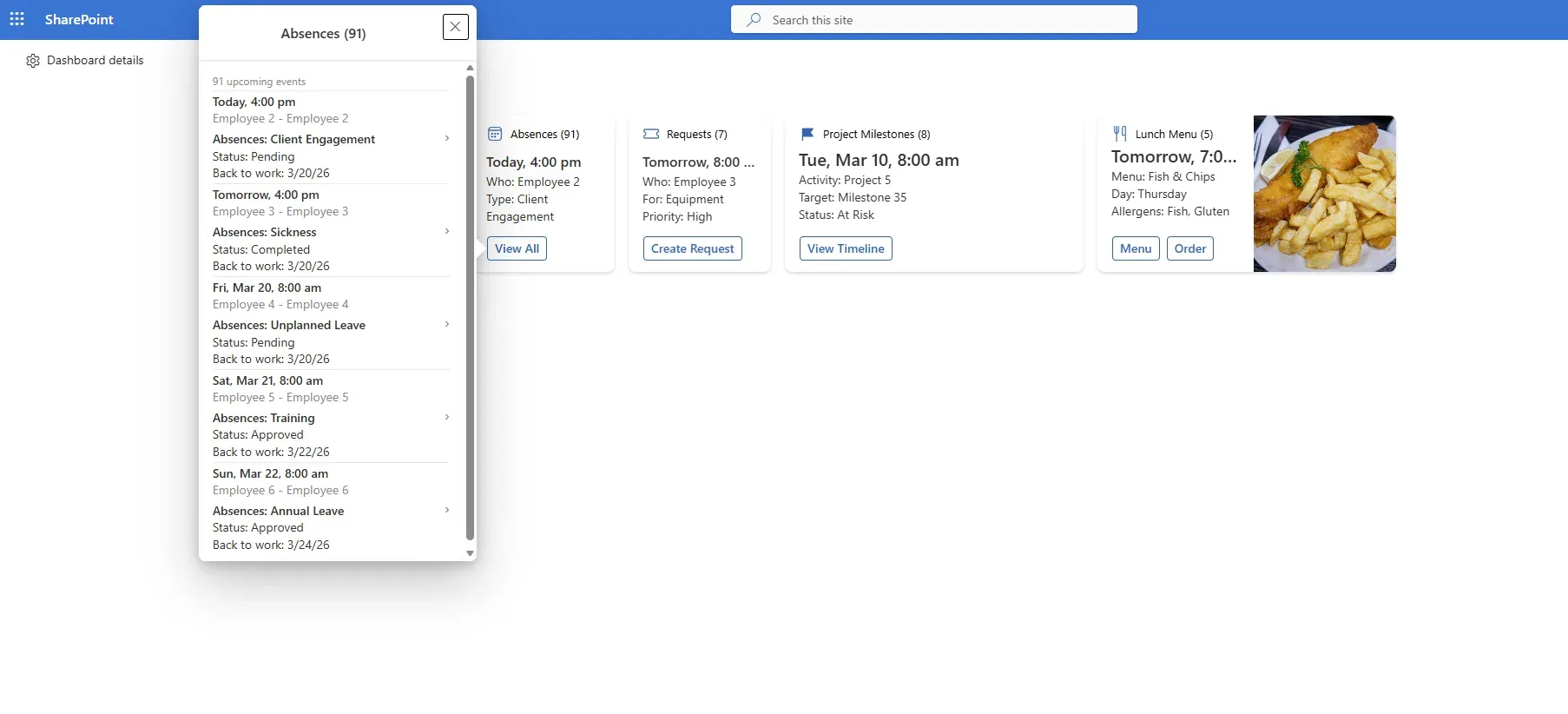
Surface upcoming events as clear, configurable summary cards, giving teams a simple, at-a-glance view of what matters next.
What’s changed
Calendar Planner now ships an ICS Export button on the calendar toolbar, letting you download every visible event as a standard .ics file that opens in Outlook, Google Calendar, Apple Calendar, and any other ICS-compatible client. Available on the Enterprise tier.
Enable in the web part properties
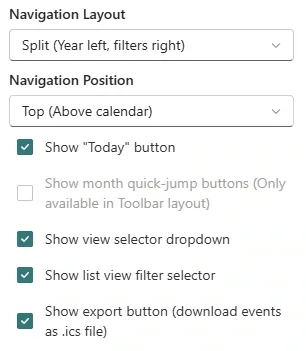
In the web part properties pane, switch on Show export button (download events as .ics file).
Export from the toolbar
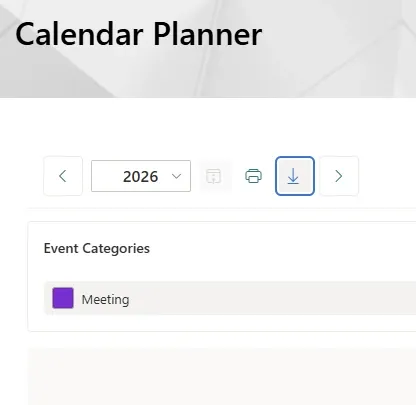
The download icon appears in the calendar toolbar alongside the existing year, list-view, and print controls. Click it to export the current view.
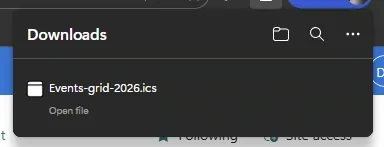
The browser downloads an .ics file named after the active view and year (for example, Events-grid-2026.ics).
Calendar Planner now ships an ICS Export button on the calendar toolbar, letting you download every visible event as a standard .ics file that opens in Outlook, Google Calendar, Apple Calendar, and any other ICS-compatible client. Available on the Enterprise tier.
Enable in the web part properties
In the web part properties pane, switch on Show export button (download events as .ics file).
Export from the toolbar
The download icon appears in the calendar toolbar alongside the existing year, list-view, and print controls. Click it to export the current view.
The browser downloads an .ics file named after the active view and year (for example, Events-grid-2026.ics).